#MadeWithHexby

Hexby Website

design
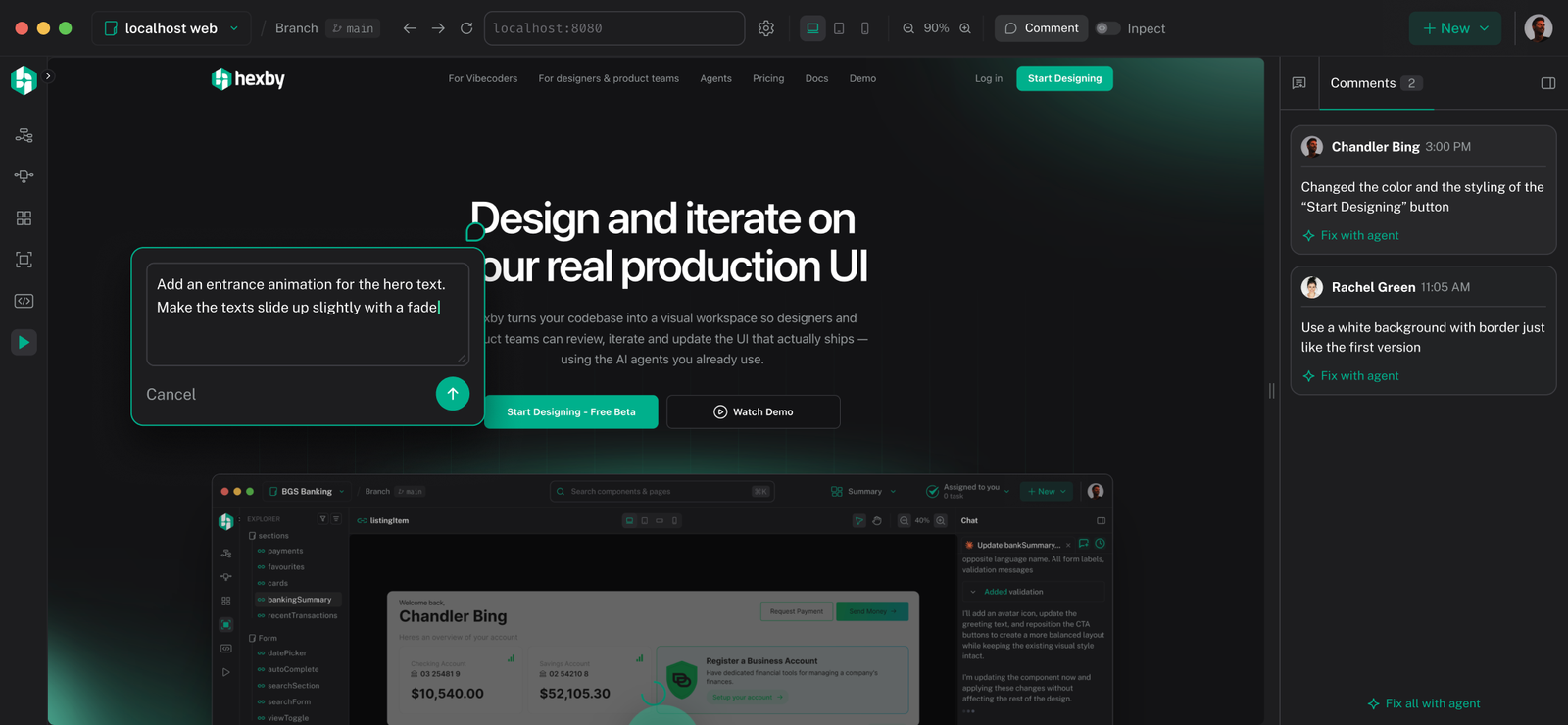
Hexby marketing website hero: Design and iterate on your real production UI
My Role
Design, Build
& Deploy
Focus
Visual Design,
Interaction & Motion
Built with
Hexby, Cursor
About the project
A website designed inside the product it sells
This site tells the story of Hexby, a workspace where teams design and iterate on their real UI with AI agents. What makes it worth a case study is how it was made. It started as a rough build in Cursor and became the site you see today by designing it in the Hexby app itself. It's Hexby dogfooding its own product.
01
Starting in Cursor
Get the story on the page first
Cursor was used to set up the foundation: the pages, the sections and the content that tells Hexby's story. It was a working site, but a plain one, with no real visual design or motion, and usability was sub-par.
02
Transforming it in Hexby
Every design decision made on the real site
From there, the codebase was opened in Hexby. There was no separate mockup and no handoff. Every change was prompted directly on the live, rendered components and reviewed right there in the preview.
Designed in Hexby through prompting:
Visual design: layout, typography, color, spacing and every section's look and feel.
Interactions: the step-by-step "How it works" flow, the workspace views menu and the tabbed review walkthrough.
Animations: scroll reveals, typing prompts, animated cursors and the agent progress states.
UX improvements: reviewing each section on the live preview and refining it with follow-up prompts until it worked.
03
Dogfooding
The website is the proof
Building Hexby's own website with Hexby was the most honest test of the product. Every section below was designed with the same workflow the site describes. The website doesn't just explain designing on real code with AI, it's a result of doing it.
04
Some highlights...
A few screens from the finished site. Every one of them was designed in Hexby, by prompting directly on the live page.
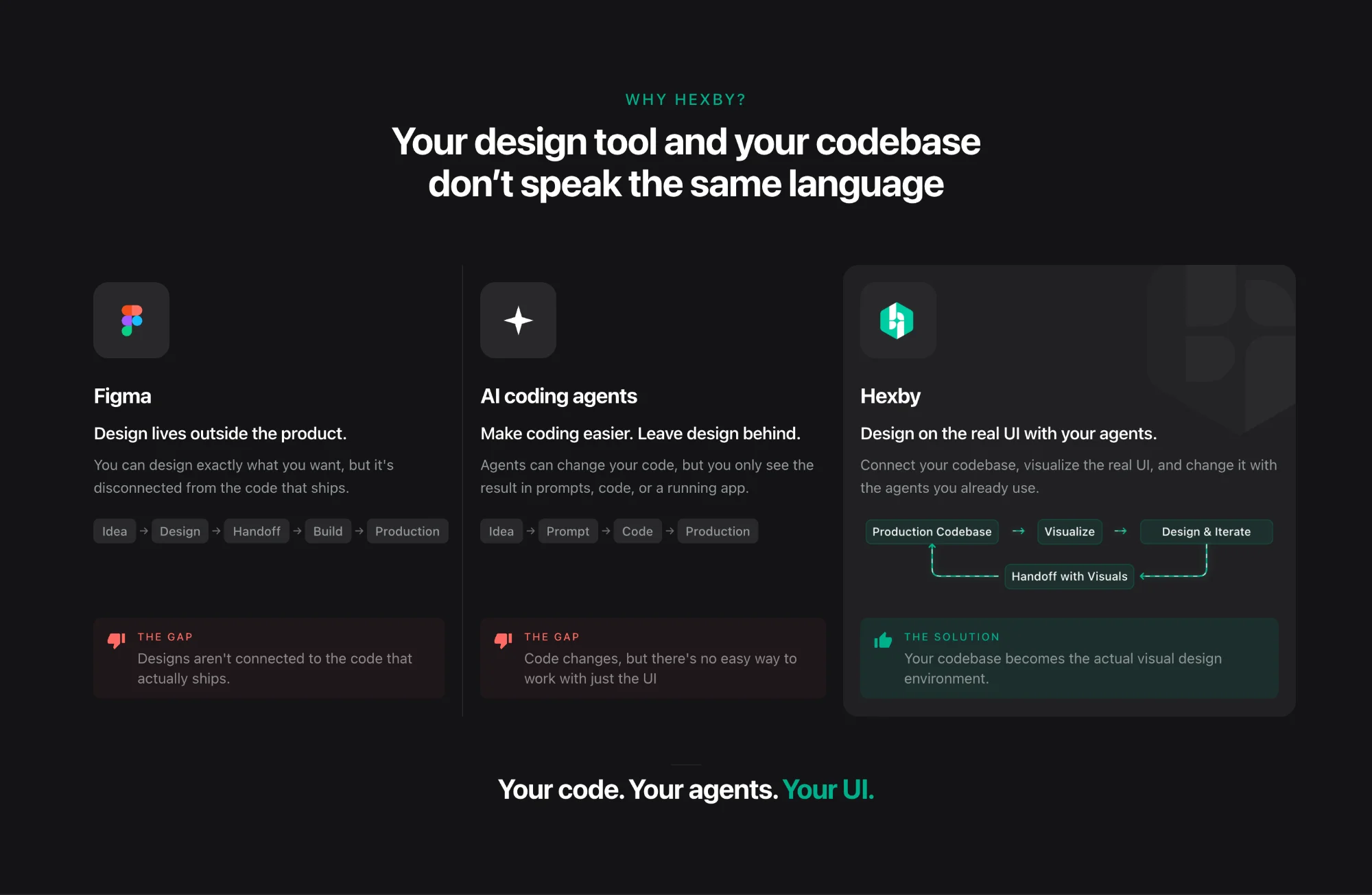
Hexby website Why Hexby section comparing Figma, AI coding agents and Hexby
Why Hexby
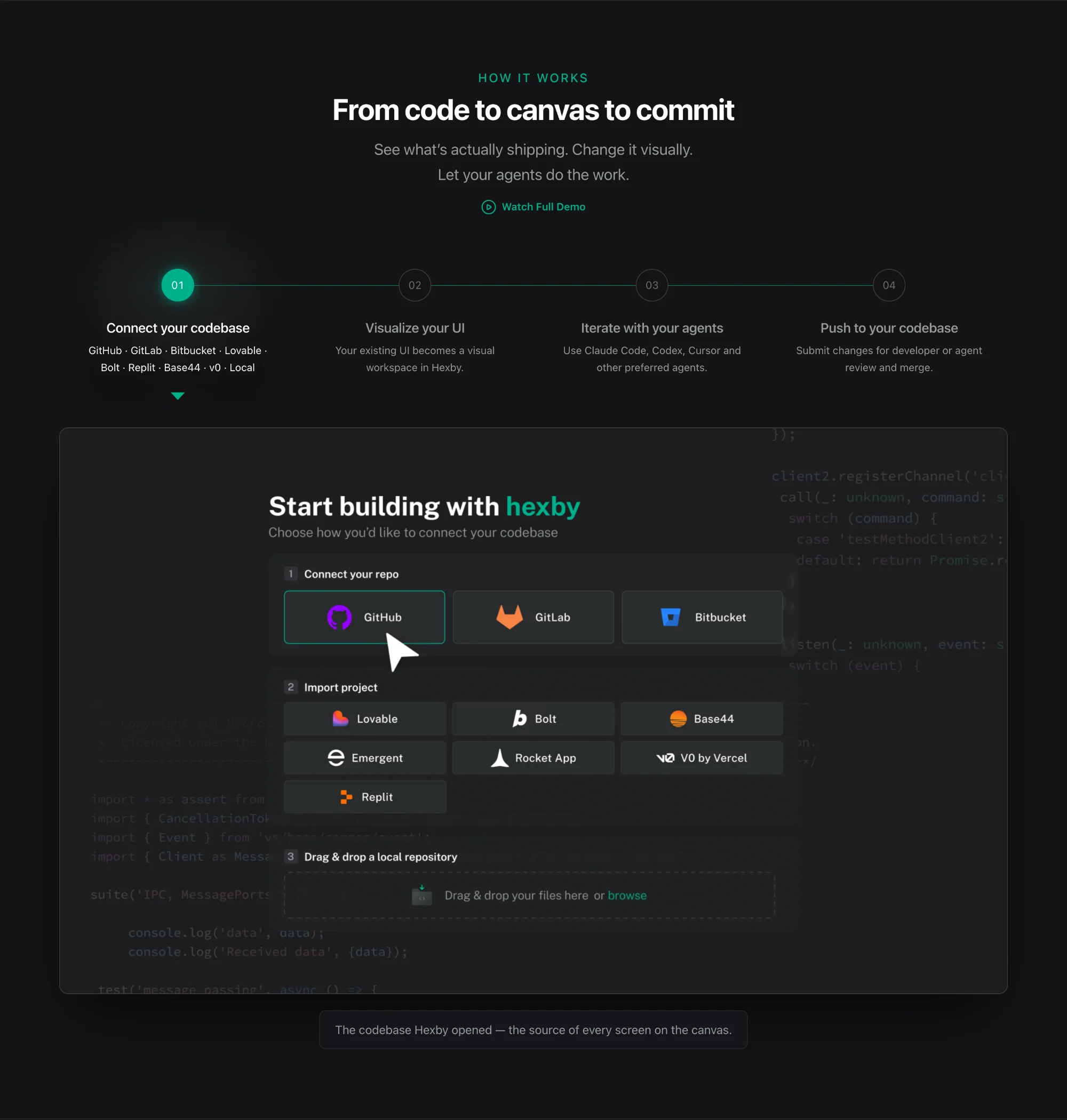
Hexby website How it works section with a four-step stepper and the connect codebase screen
How it works
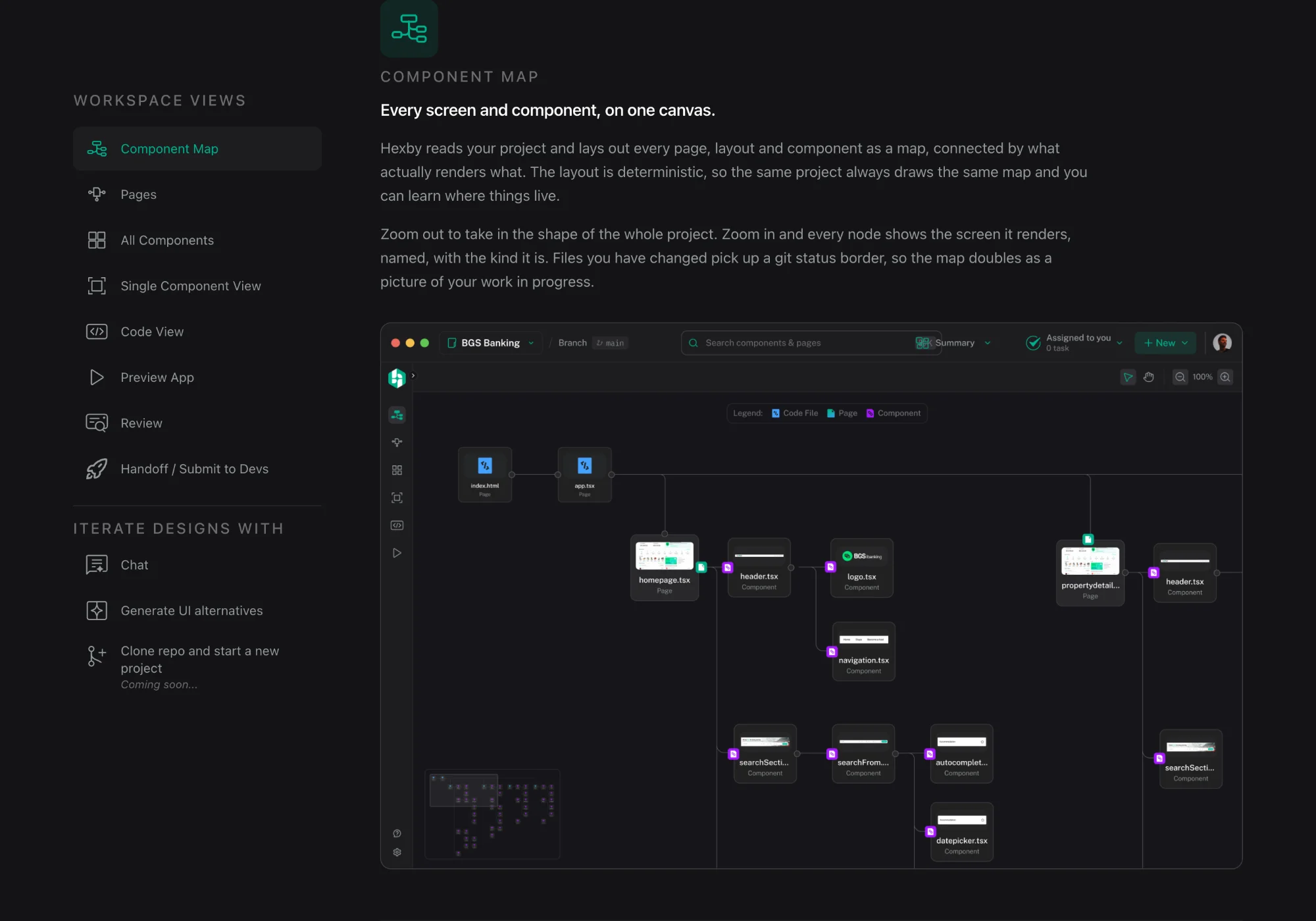
Hexby website workspace section showing the Component Map view
The workspace
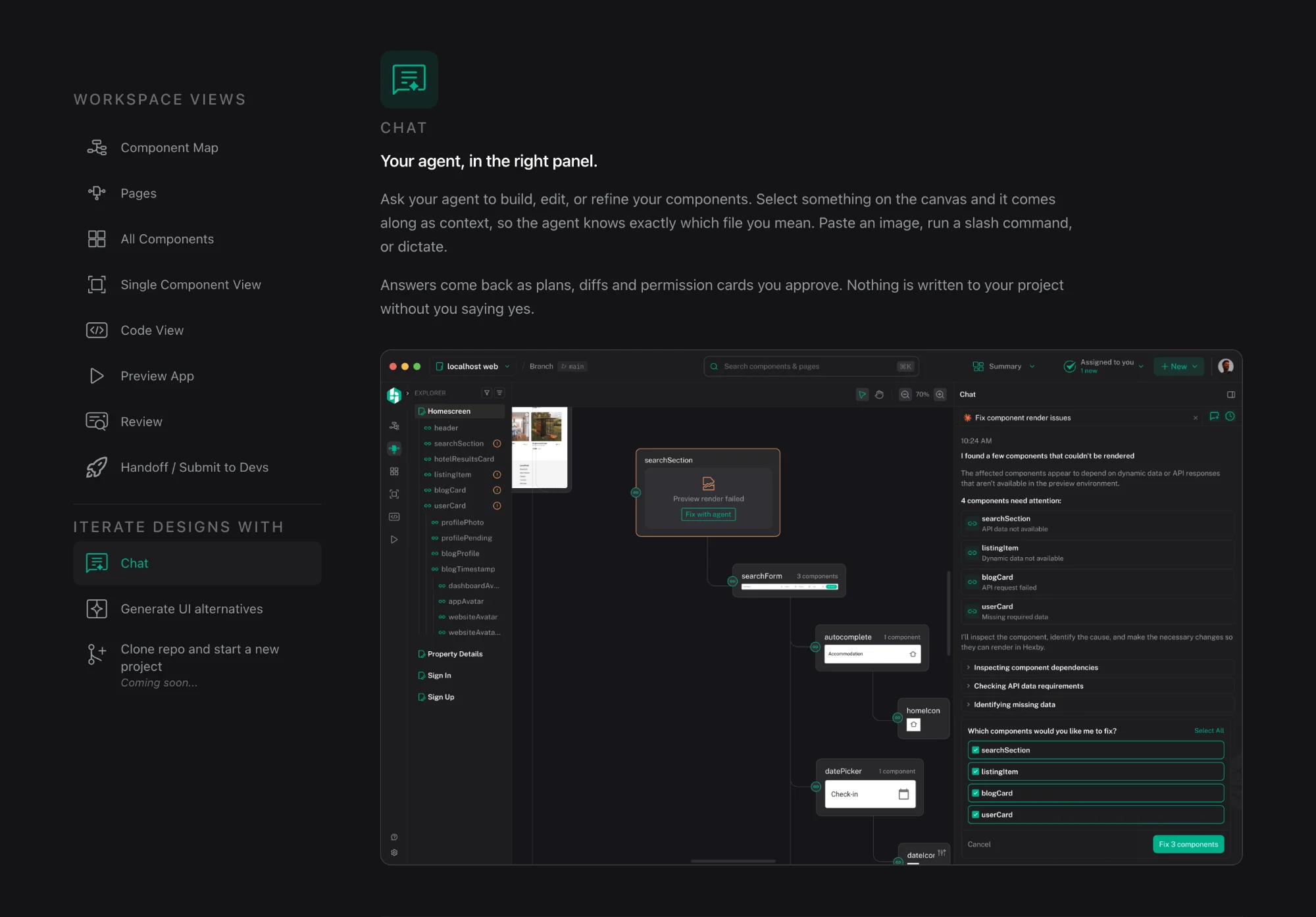
Hexby website Chat section with the workspace views menu and the agent panel fixing components
Chat
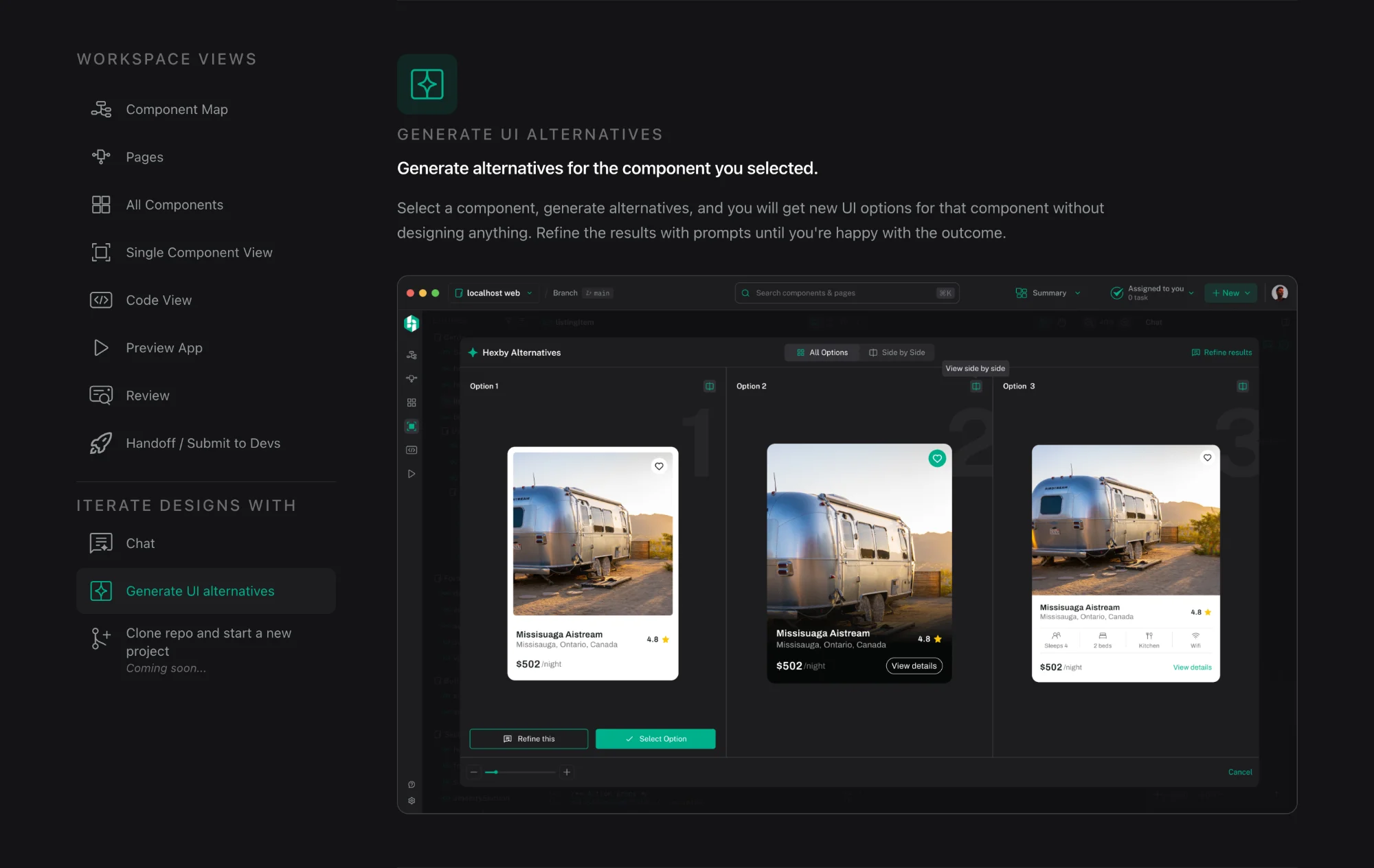
Hexby website Generate UI alternatives section showing three card options
UI alternatives
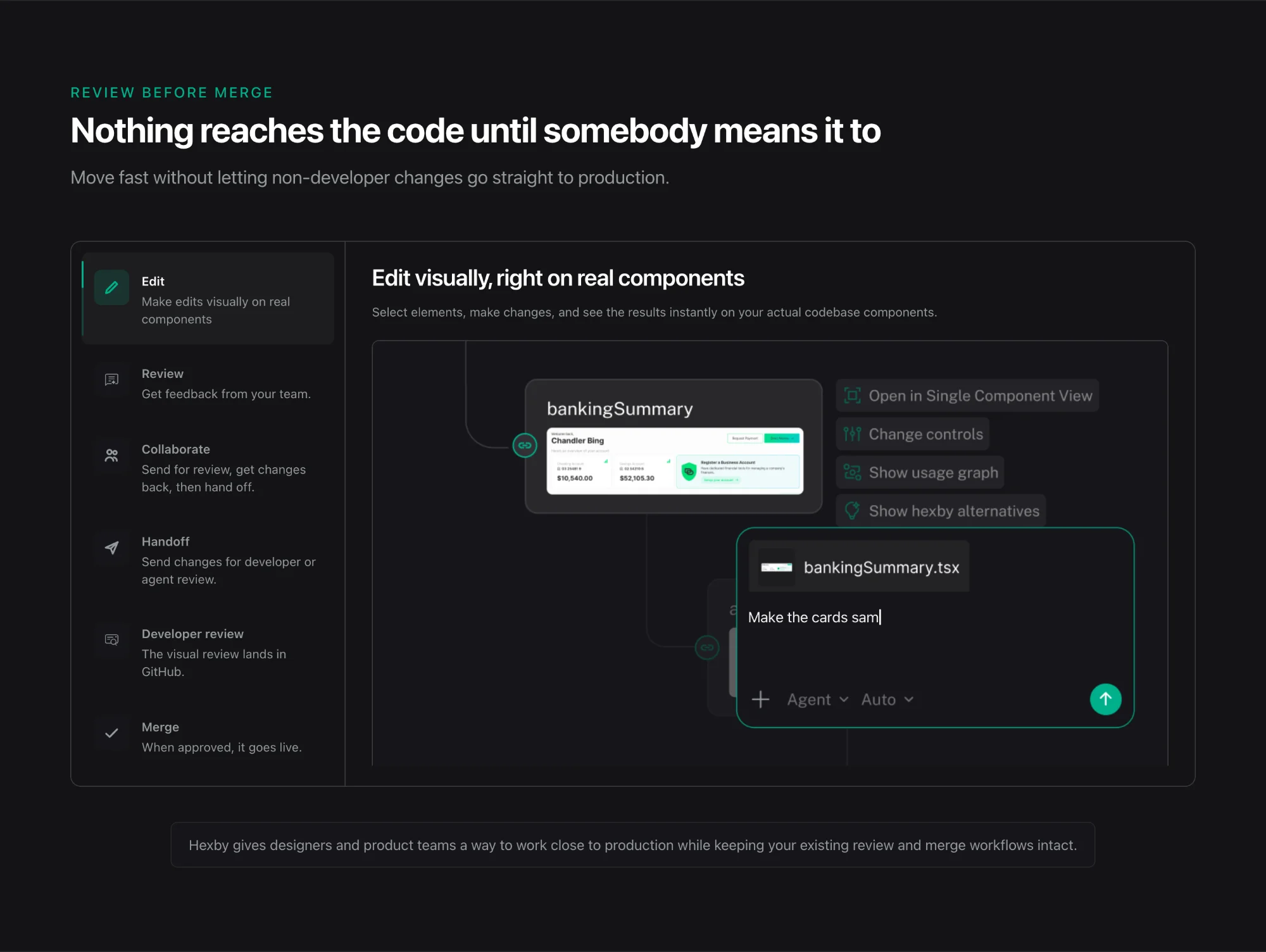
Hexby website Review before merge section with tabbed workflow and a typing prompt
Review before merge
Hexby website Built for modern teams section with code and AI panels flowing into Hexby
Built for modern teams
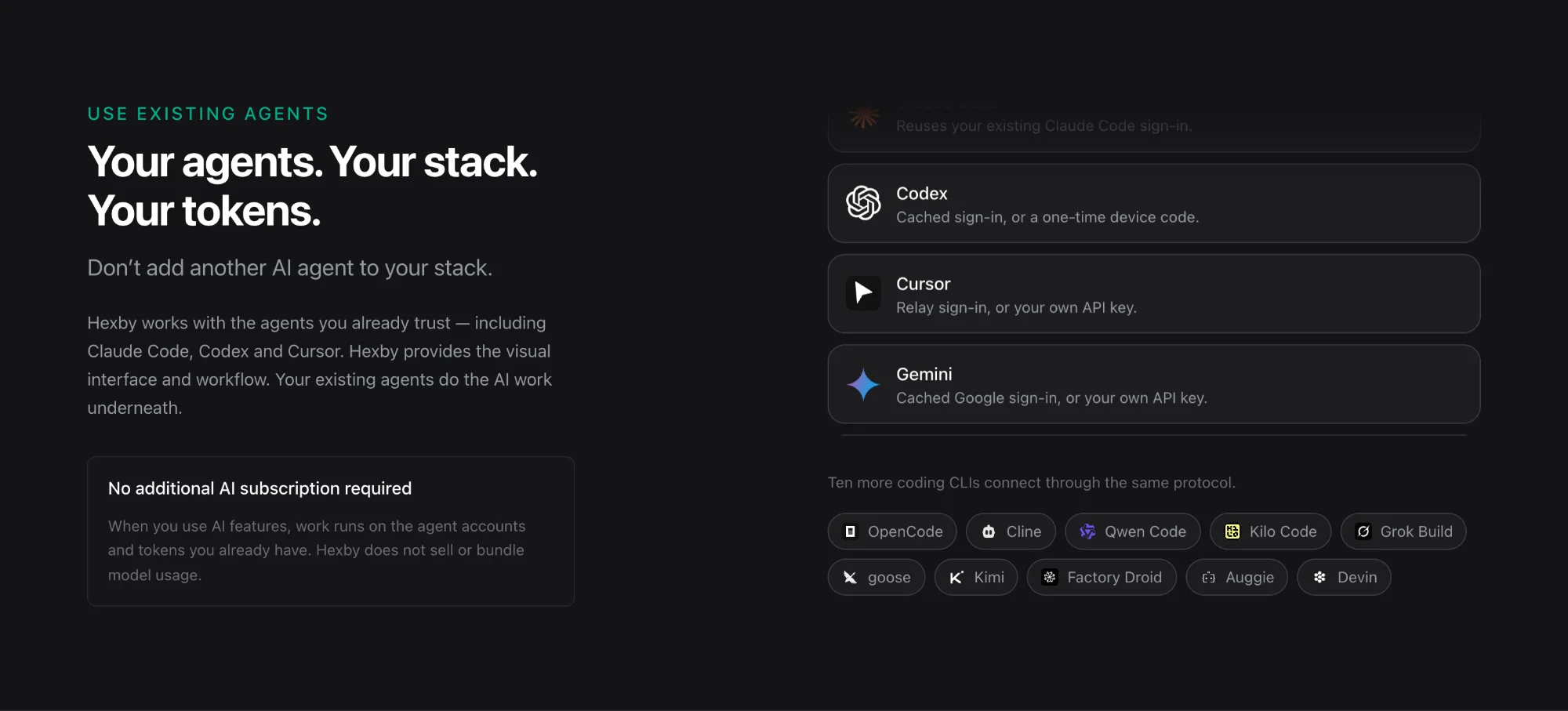
Hexby website Use existing agents section listing supported AI agents
Use existing agents